
Small tools that work in Uzbek. All of them free.
A new alphabet, one key
Since 2026 Uzbek is written with ö, ğ, ş, ç and ʼ. The keyboard puts these letters on a Mac behind one extra key. Or switch on the old way, keep typing o’ and sh as always, and it changes them for you.
⌥’oOption and ’, then the letter
- ö
- ğ
- ş
- ç
UzDictate
Speak, and the text writes itself
Hold the right Option key and speak Uzbek. Let go, and the text lands where your cursor is: Telegram, Word, the browser and more.
Ertaga soat önda uçraşamiz, hujjatlarni olib keling.
Bekat
A game of drawing tram lines
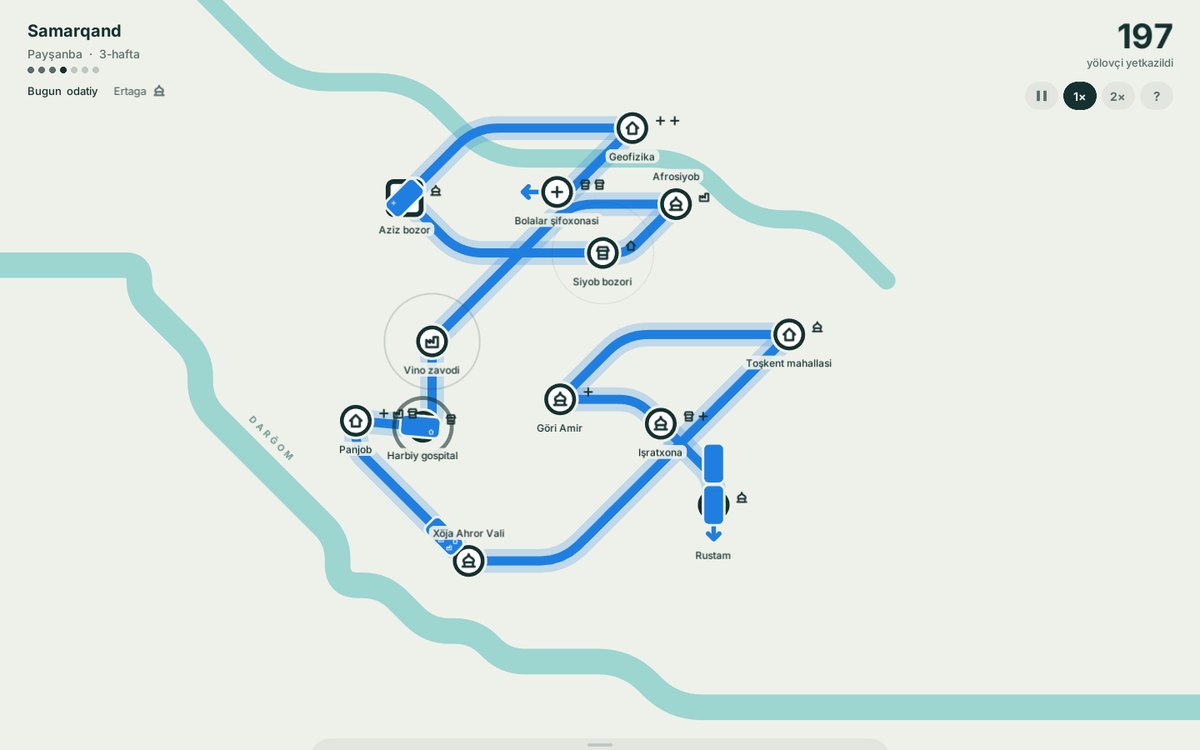
Fourteen Uzbek cities, from Toşkent to Guliston, drawn from real maps. Join the stops, get every rider where they are going, and rebuild the network as the city grows.
How to install
- Download it and move Bekat to Applications.
- Open it and start with the first city, Toşkent.
Ranglar
Which colours go together, and why
Pick a colour or a photo and get six ready palettes, each with one line on why it works. With lessons built on Itten's colour star.
Screenshotter
Capture the screen, mark it up, and keep it at hand. For the Mac.
A cup of tea
These tools are free. If they help you, you can support them through taps.uz. Scan the code with your phone's camera.
Support on taps.uz